
Radio and podcasts
Internet radio from thousands of stations or your own lists, and podcasts with downloads and resume.
Radio
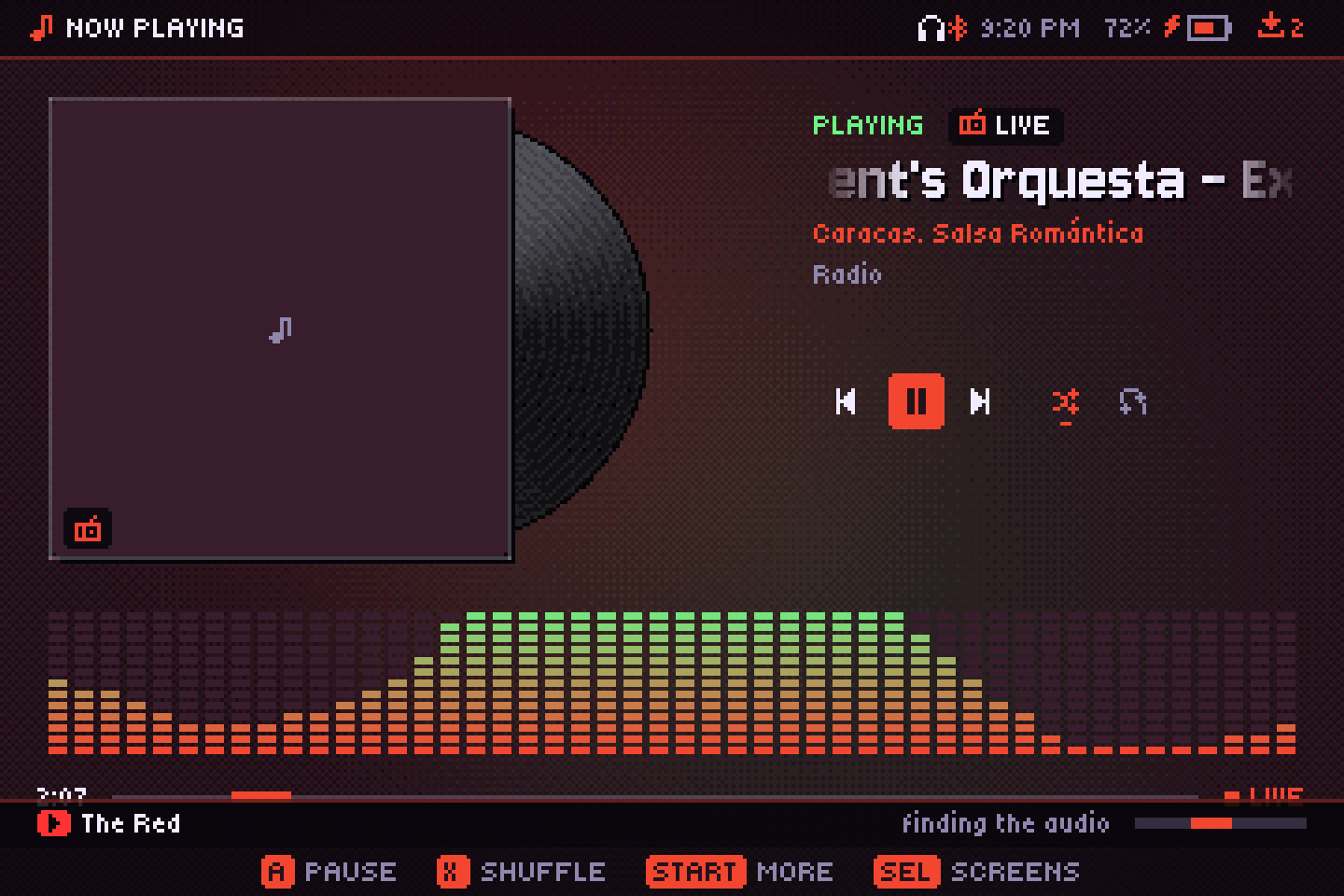
Open Radio from the screens bar (SELECT). Its tabs:
- Favorites: stations you saved (START on a station → Add to favorites).
- My lists: your own station lists (see below).
- Popular: the most played stations in your country; X switches to worldwide. Change the country with Country in the menu.
- Search: by station name (X or START to search).
- Genres.
Stations come from radio-browser.info. A listens; while a station plays, L1/R1 switch to the previous or next one in the list, and the live song title shows when the station sends it. MP3 and AAC stations play, and so do HLS streams (.m3u8).
Your own station lists
- Put
.m3u,.m3u8or.plsstation lists in aradiofolder next to the app (on a handheld, inside the port's folder). They show up under My lists, with the names and logos from the file. You can pick another folder in Settings → Radio lists. - Add by address: START on Favorites or My lists asks for a station's address and a name, and saves it to Favorites.
- If a station's address is itself a playlist (like
listen.pls), Audiofilus follows it to the stream.
Podcasts
Open Podcasts from the screens bar. Tabs: Subscribed, Popular (the top shows for your country) and Search. START on Subscribed adds a podcast by its RSS address.
- A on a podcast opens its episodes, newest first, with date, duration and whether you played it, where you stopped, or downloaded it.
- Episodes are downloaded before they play (through the Downloads queue) and play from the SD card.
- Your position is remembered, and playback resumes three seconds earlier so you get your bearings. Near the end, an episode is marked as played.
- START on an episode: listen, download or delete the download, mark as played or unplayed. On a podcast: subscribe or remove it, refresh, and Download new ones.
- In an episode, a tap on ←/→ skips 30 seconds, and More → Speed plays it at 0.75× to 2× without changing the pitch.