
Your music keeps playing while you game.
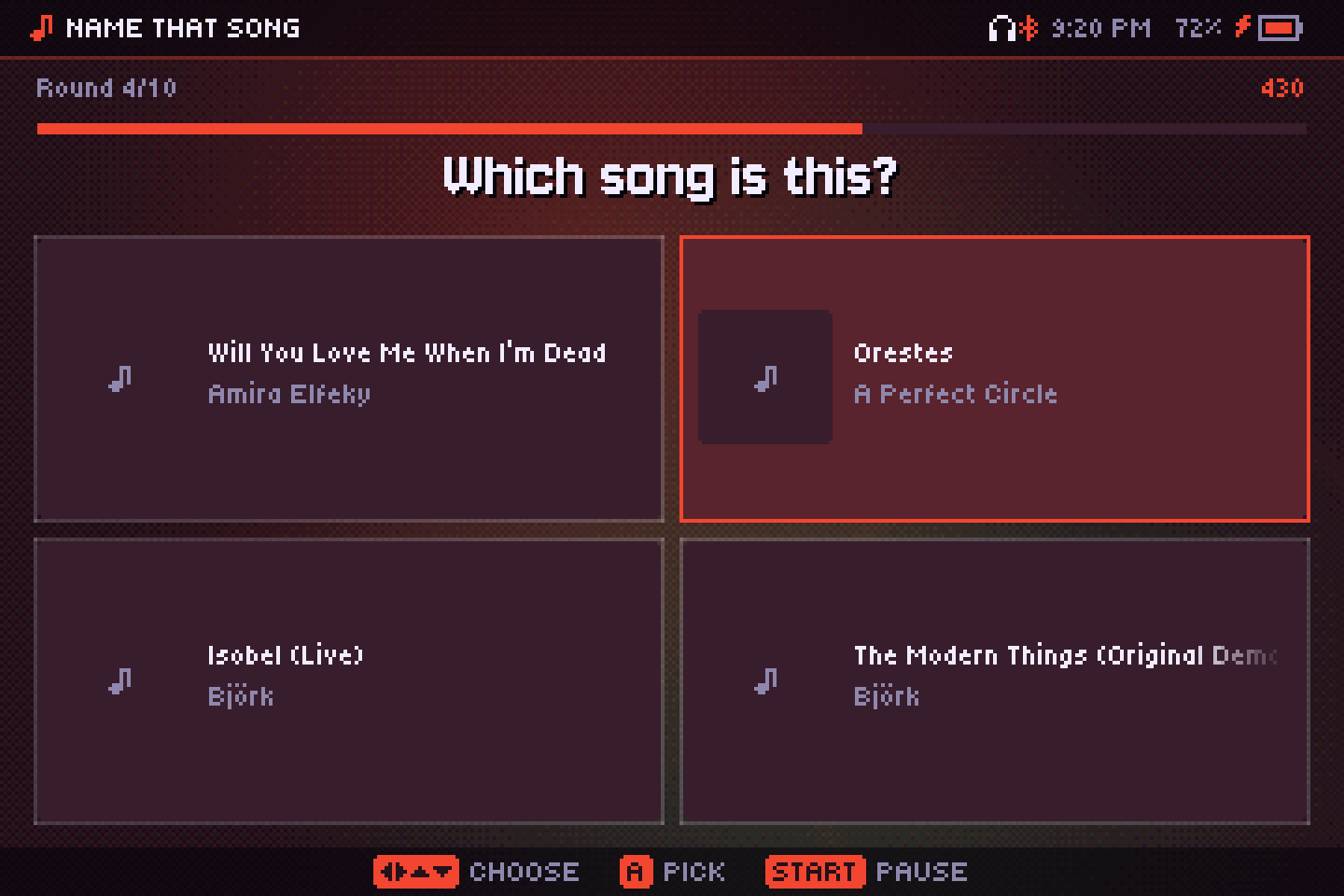
Audiofilus is a pixel-art music player with album covers, visualizers, eight arcade games and a chiptune tracker. Close it, open an emulator, and the music goes on. Turn the screen off and control it from your pocket.
Knulli · muOS · ROCKNIX · ArkOS · dArkOS · EmuELEC — also on Linux and Windows desktops, and on iPhone.
- MP3
- AAC / M4A
- ALAC
- FLAC
- Ogg Vorbis
- Opus
- WAV
- AIFF
- WMA
- DSD (DSF · DFF)
- NSF · SPC · GBS · VGM · HES · KSS · AY · SAP
- SID · YM · VTX · PT3
- MOD · XM · IT · S3M
- CUE sheets
- M3U playlists
Keep it playing
Audiofilus is free, with no ads or paywalls, and I make it in my spare time. If it plays on your handheld every day, a coffee helps me keep adding features and fixing what you report.
A player that stays out of the way
The audio lives in its own service
The interface is just a remote. Close it and the music keeps going; launch a game and it still plays, with gapless track changes and a quick fade when you pause.
Controls from inside any game
Hold FN and tap a button to pause, skip, go back or seek. Your headphones' play button works too, over Bluetooth or cable: one press pauses, two skip, three go back.
Sleep mode for your pocket
Press START twice or the power button: the screen turns off, the CPU slows down and the triggers become gestures. Close the lid and it stays asleep. On an RG34XX-SP it draws about 260 mA in this mode: around 11 to 12 hours of music on its 3300 mAh battery.
Help is one button away
Hold FN on any screen to see what every button does there.
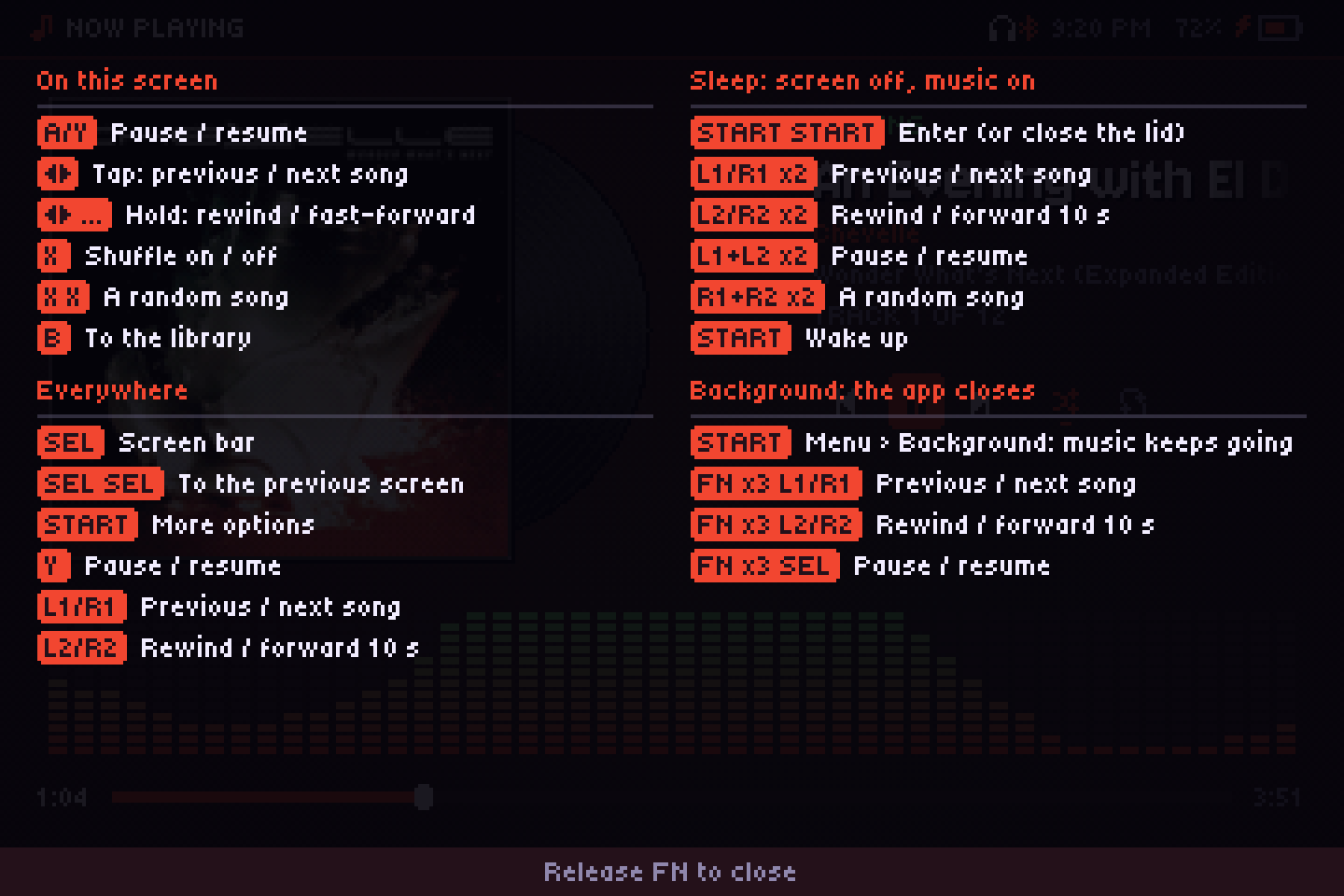
The controls guide, shown while FN is held.
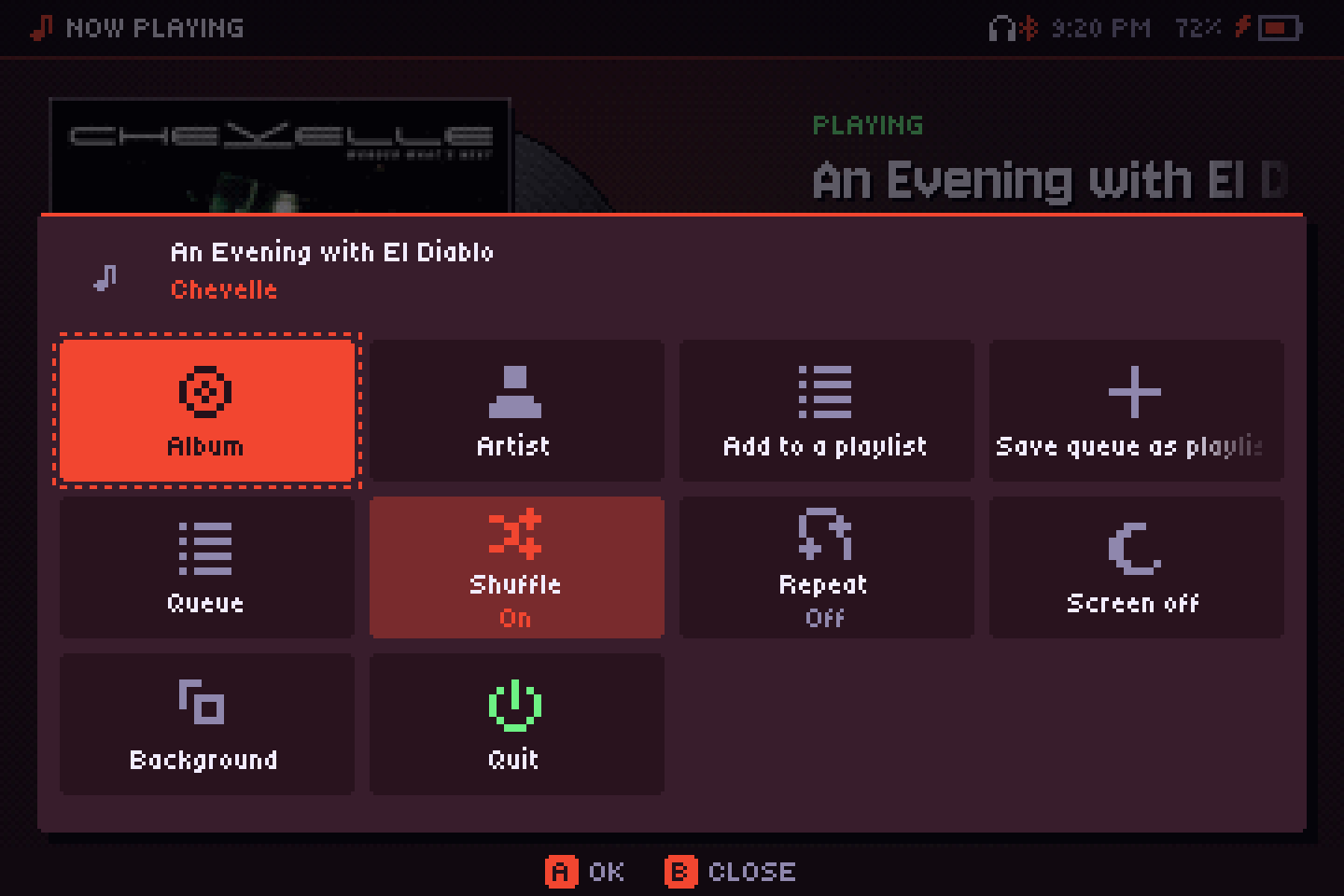
START opens the More menu, including “Background” to leave the app and keep listening.
Something to look at
Nine visualizers that follow the beat, from pixel scenes that are light on the CPU to MilkDrop with its classic .milk presets. Colors come from the album cover. Any of them can also play dimmed behind the player.
Make your own chiptune
An LSDJ style tracker for the D-pad, with a touch of PICO-8: chains and phrases, instruments with envelopes and tables, grooves with swing, editable waves, 21 effect commands and a piano roll. Write for a Game Boy's four channels or go Free with eight synth channels. Import MOD, XM and LSDJ songs, export as WAV, XM or MOD, and play or sync it from a USB MIDI keyboard or drum machine. Exports land in your library, ready to play in the background like anything else. Tracker guide.
The games and the tracker live behind one Games entry in the screens dock, each game with its own record. And there are a few secrets hidden around the app.
Every album paints it
The interface takes its colors from the cover that's playing. Change the album and the whole player, the visualizers and the games follow.
Shown with four albums from a real library: each cover gives two accents and a tint for the background.
Sing along
Synced lyrics tint word by word as they're sung, with dots counting down the instrumental parts. They come from a .lrc next to the song, from its tags, or from LRCLIB online.
Pick another version from the list, nudge the timing by half a second, or keep it offline. The lyrics in this animation are made up.
Tune it the way you like
ReplayGain
Every song at the same loudness, or every album, or automatic: album in order, song on shuffle. It never pushes a song past its peak.
Graphic or parametric equalizer
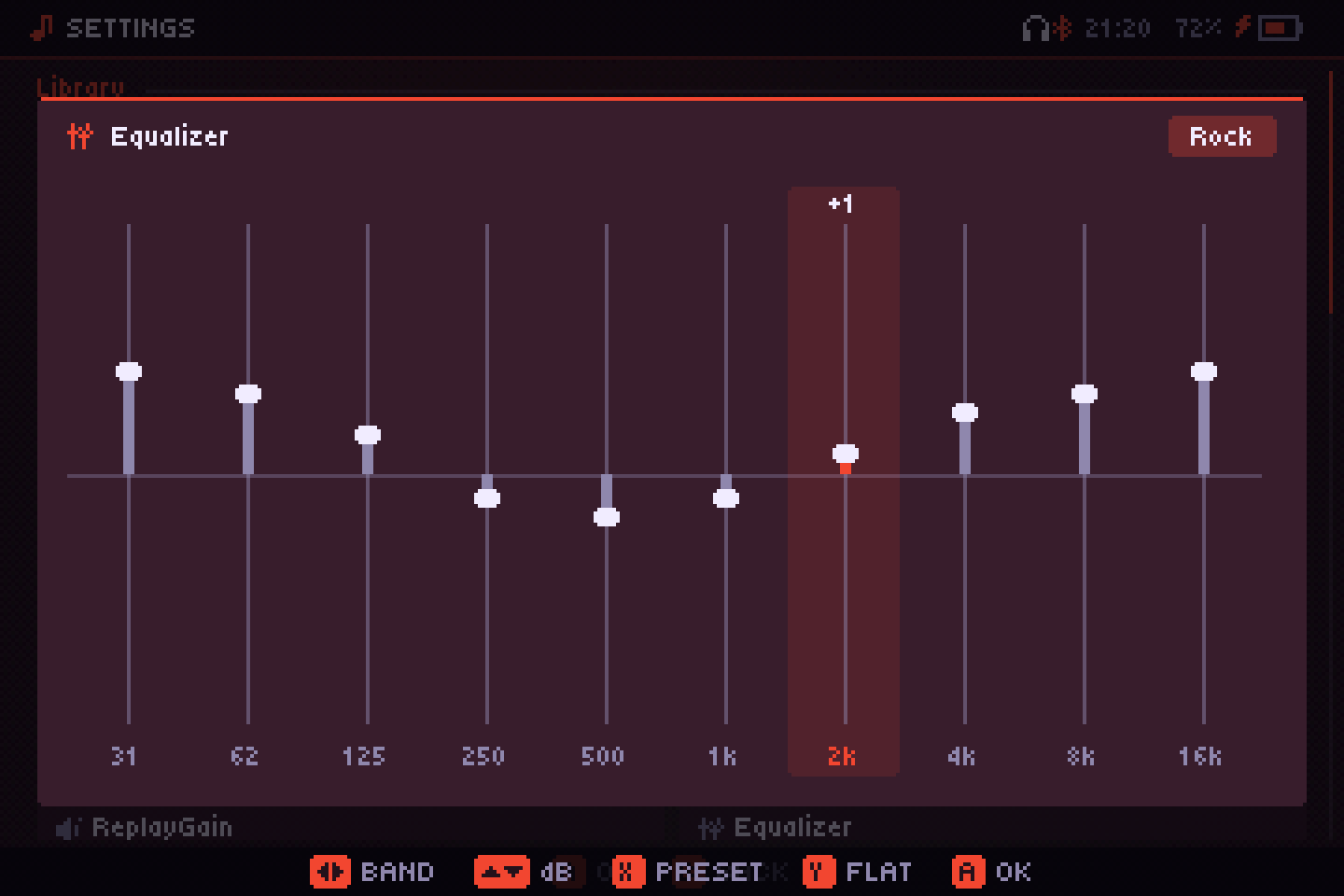
Ten bands with presets for rock, metal, vocals, bass and more, or a parametric one with up to ten bands (peak, shelves, pass filters) and its curve on screen. Flat, it costs nothing.
AutoEQ and crossfeed
Search for your headphone model and its AutoEq correction goes into the parametric equalizer. Crossfeed makes hard-panned stereo easier on the ears with headphones.
Crossfade, DSD and CUE sheets
Up to 12 seconds of crossfade that leaves albums gapless. DSD files play, albums ripped to one file with a CUE sheet show up as their tracks, and the output runs at 44.1, 48, 96 or 192 kHz, with a high-quality resampler on the desktop (a light one on handhelds, to save battery).
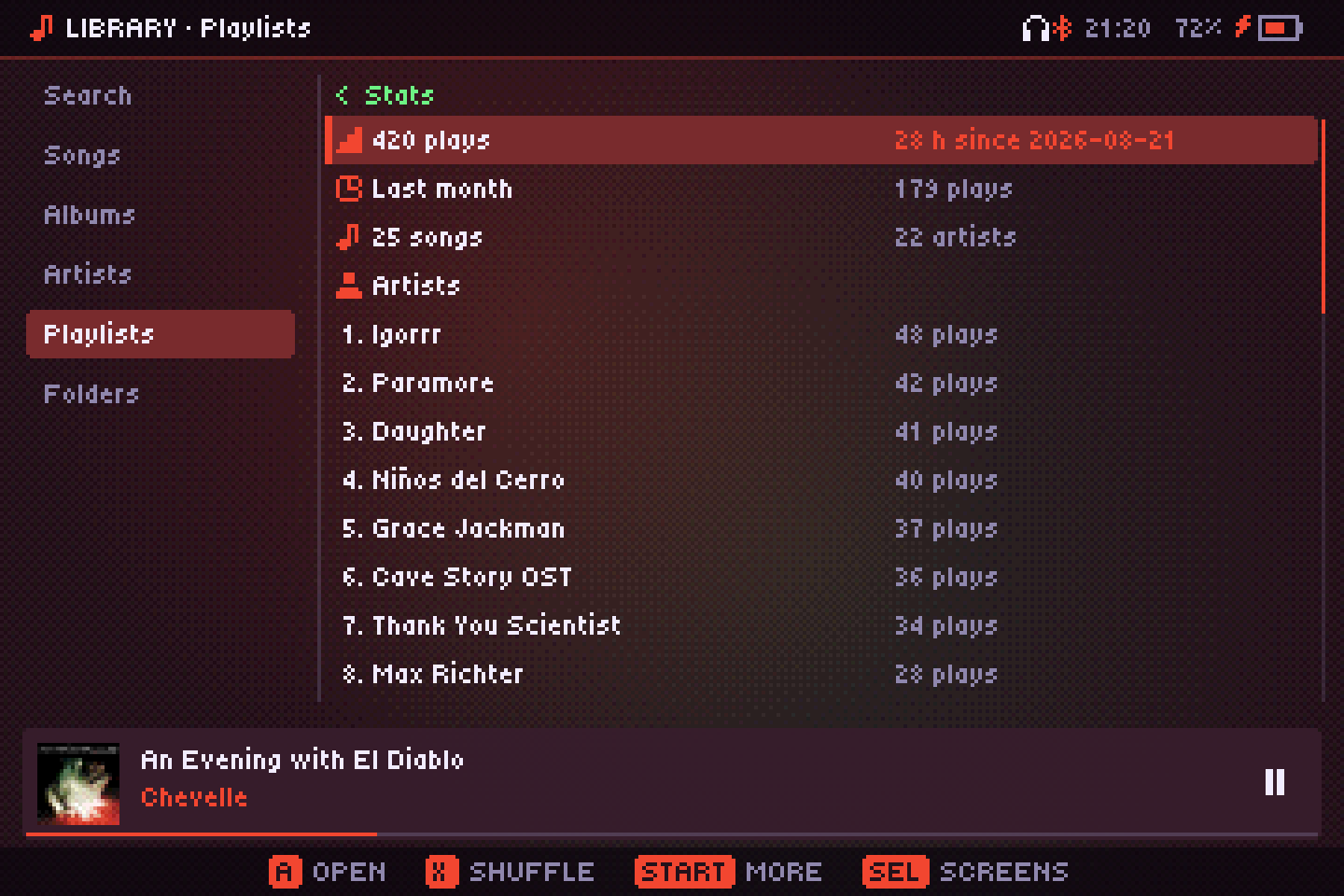
Stats from everything you've played, counted by the service even with the player closed.
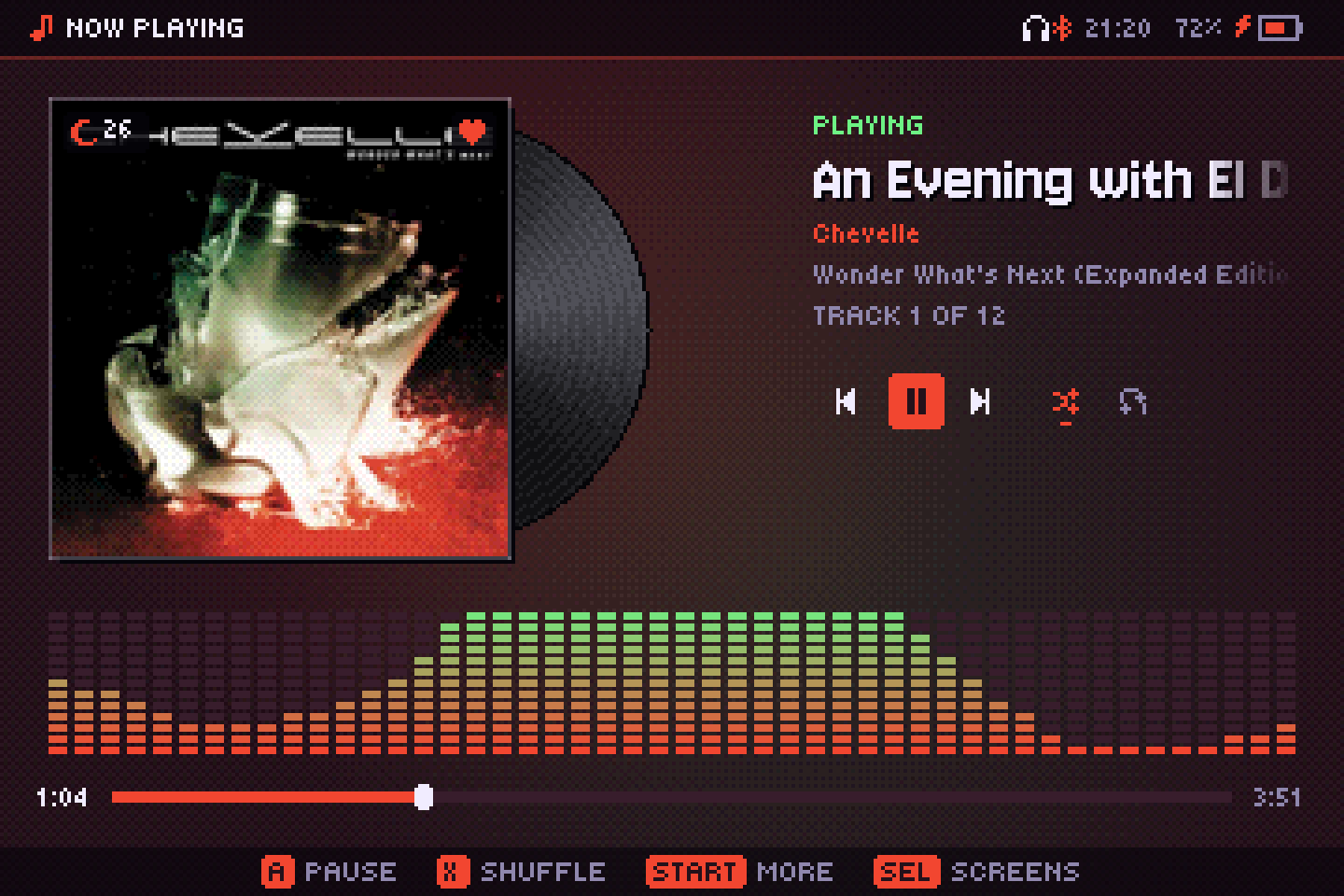
A heart for liked songs, a moon with the minutes left on the sleep timer.
It remembers what you play
Liked songs and ratings
Like a song or rate it from one to five. On a Subsonic, Navidrome or Jellyfin server, the hearts and stars sync both ways.
Recent, most played and stats
Lists that build themselves, plus your hours, top artists, albums and songs.
Scrobbling
Sign in to Last.fm with a QR code, or paste your ListenBrainz token. Listens wait while you're offline and go out when you're back, and plays count on your own server too.
Sleep timer
Stop the music after 15 to 90 minutes or at the end of the song, even with the player closed.
Alarm
Wake up to a playlist or a station, with the volume rising little by little, even with the player closed.
Your files, your server, the radio
Everything shows up in the same library and the same player. Remote songs are cached on the SD card so the next listen is free.
Your library
Folders, tags, embedded and folder covers, M3U playlists and your own playlists. Scanned once, then only new files are read. Synced lyrics light up line by line, from a .lrc, the tags or LRCLIB. Console soundtracks too: NES, SNES, Game Boy, Genesis and more, one track per song. Fix tags and missing covers from MusicBrainz, compute ReplayGain, and let smart playlists fill themselves.
Subsonic
Navidrome and other Subsonic or OpenSubsonic servers. Songs stream, stay cached for the next listen, and can be downloaded. Edit their playlists from the app.
Jellyfin
Sign in with your Jellyfin user and browse its music library and playlists like your own files.
Internet radio
Thousands of stations from radio-browser.info, by country or genre, with the current song title from the stream. Bring your own .m3u or .pls station lists, or add a station by its address. HLS streams play too.
Podcasts
Top shows for your country, search, or any RSS feed by address. Episodes download for offline listening and remember where you stopped.
Audiobooks
.m4b files and books in folders: it remembers where you were in each one, with chapters, 30-second skips and speed without changing the pitch.
YouTube Music
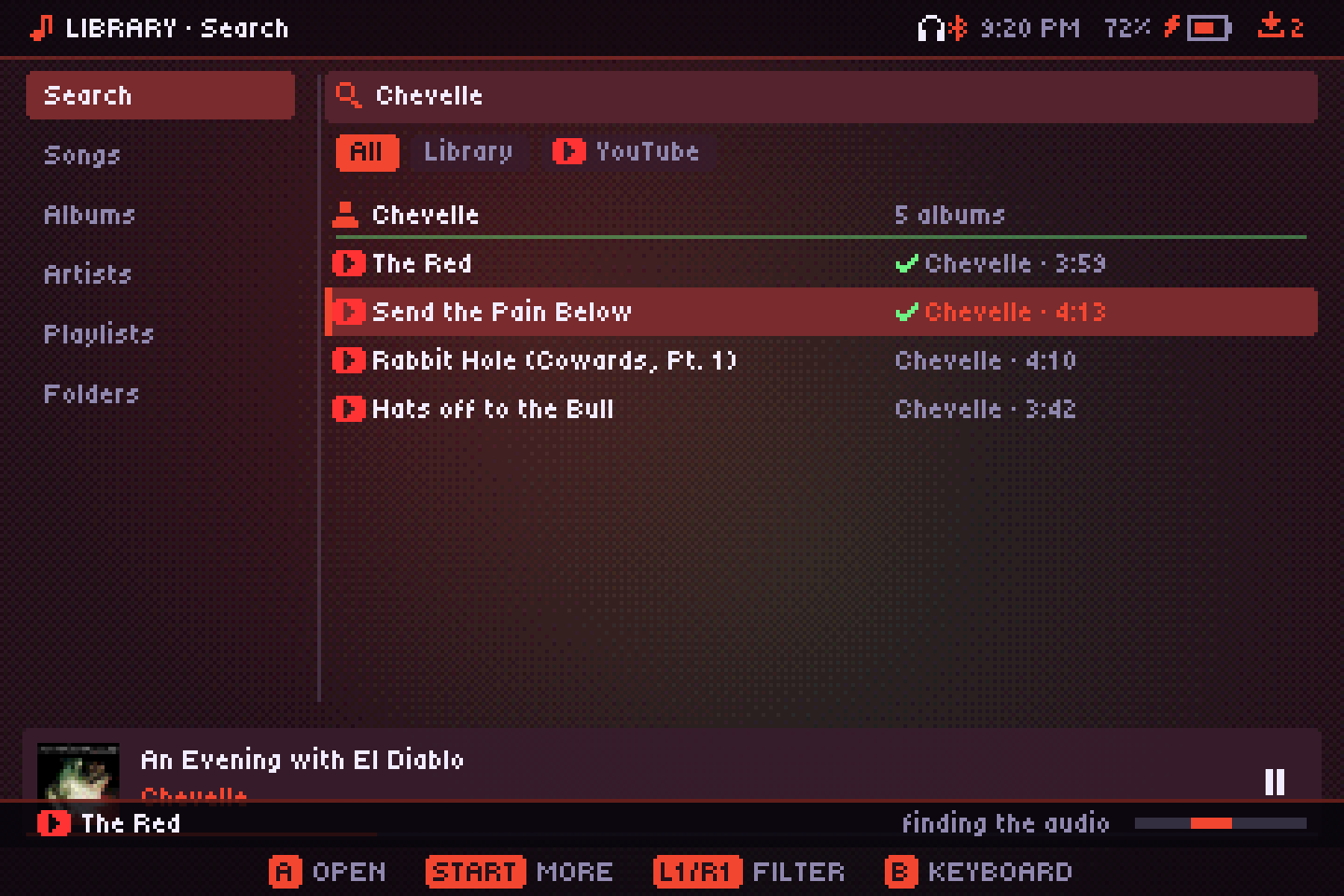
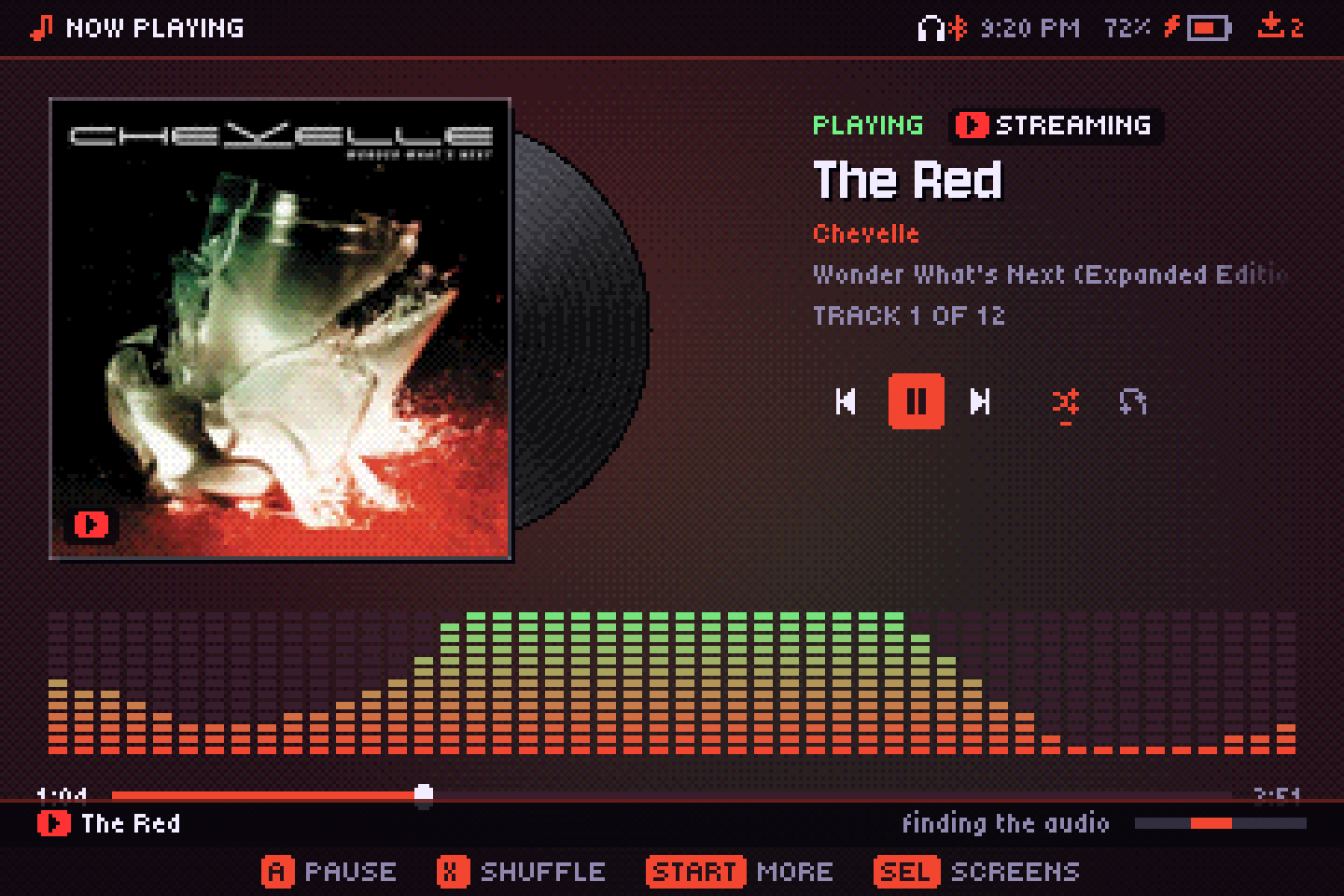
Copy your own yt-dlp next to the app and search appears: listen without downloading, or save songs into your library with cover and tags.
Module archives
The Mod Archive, Modland, VGMRips and AMP in one screen: browse what's popular, new or random, search, listen, save to your library or open a module in the tracker. They show up in Search too.
Send what's playing to a speaker or TV on your network (DLNA/UPnP or Chromecast), share your library with DLNA, or let your phone send music to the handheld. How it works.
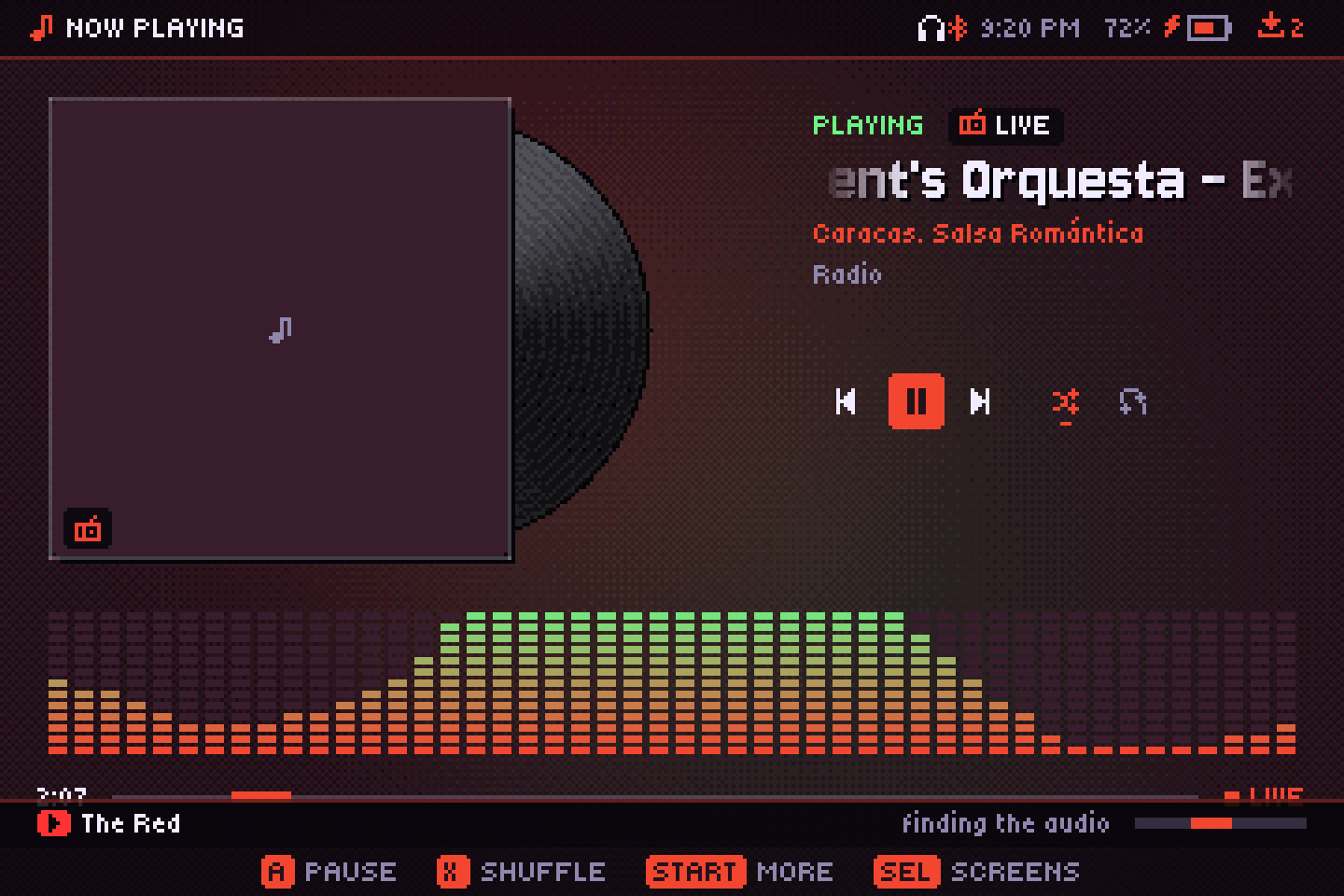
Made for a D-pad
SELECT opens a dock with every screen; press it twice to jump back to the last one. A QWERTY on-screen keyboard handles search and playlist names. Interface sounds are optional, in two separate switches for menus and for music actions.
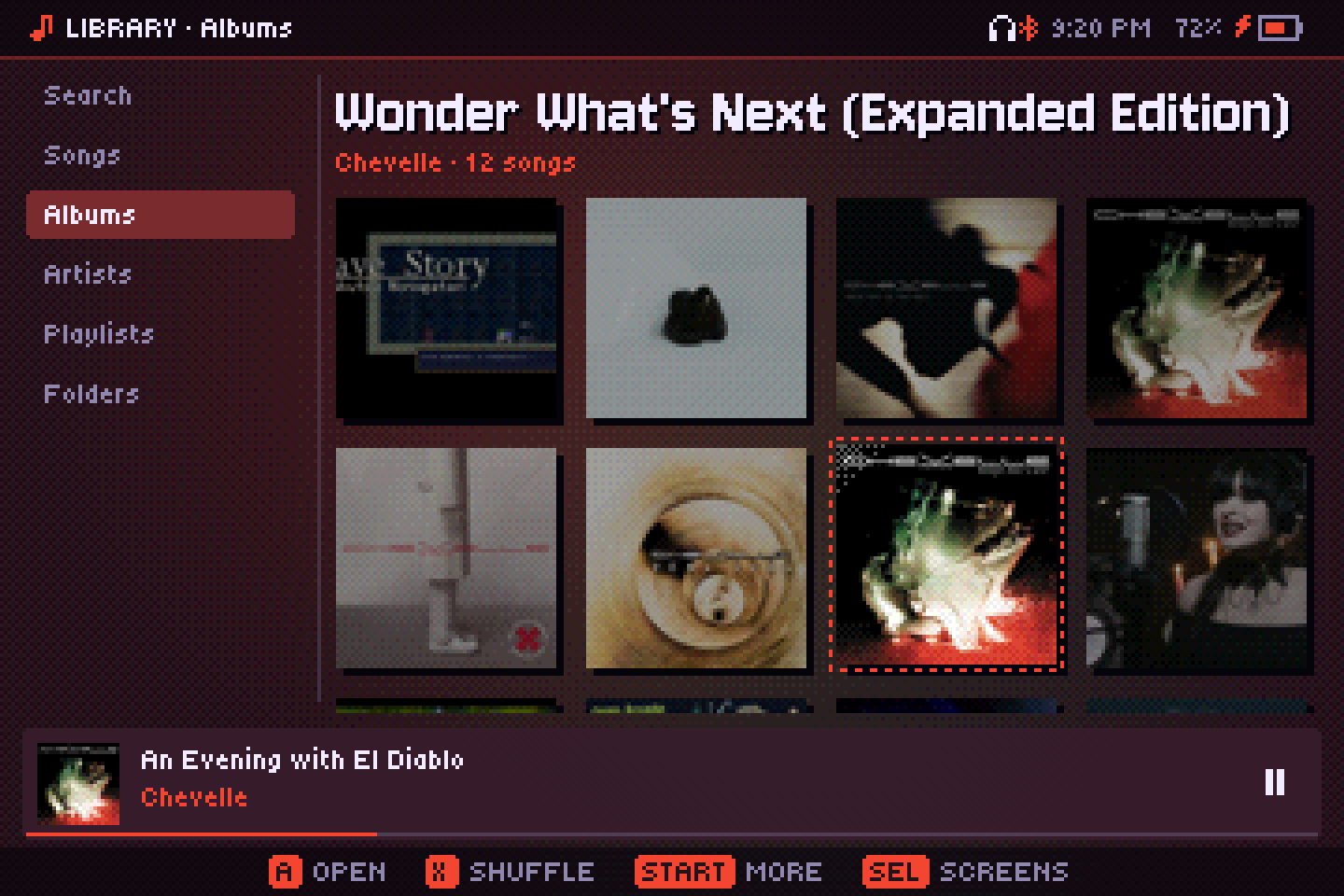
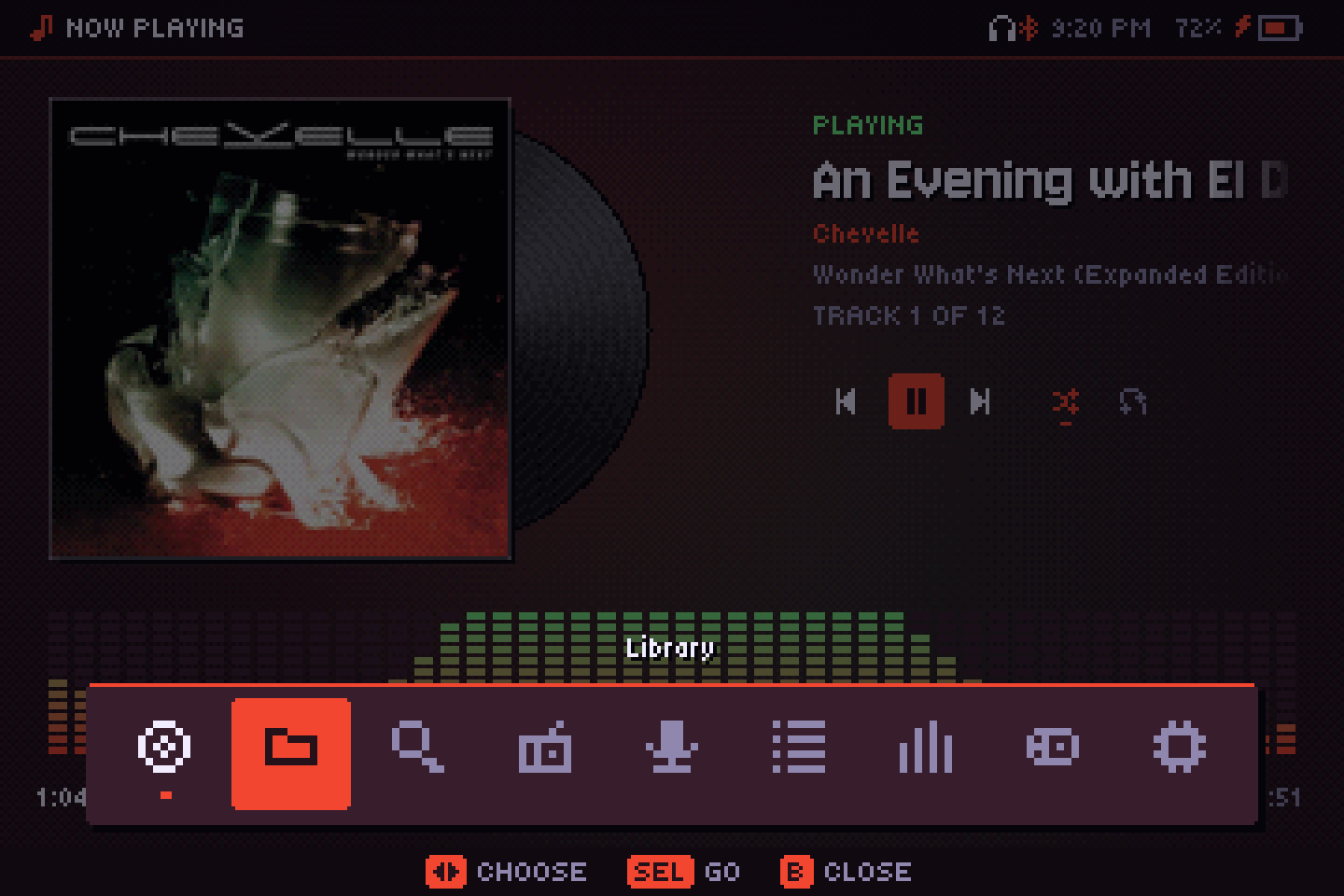
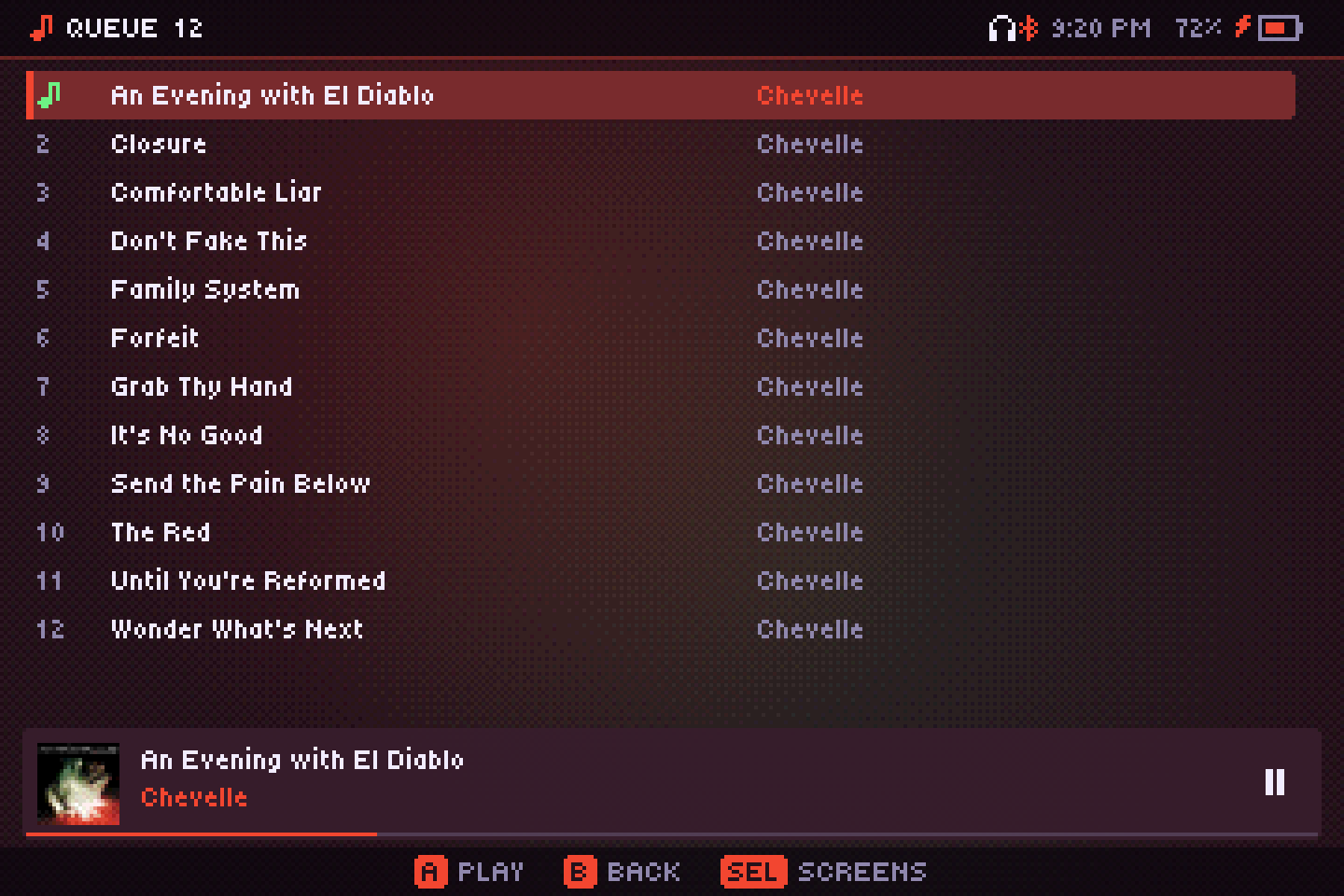
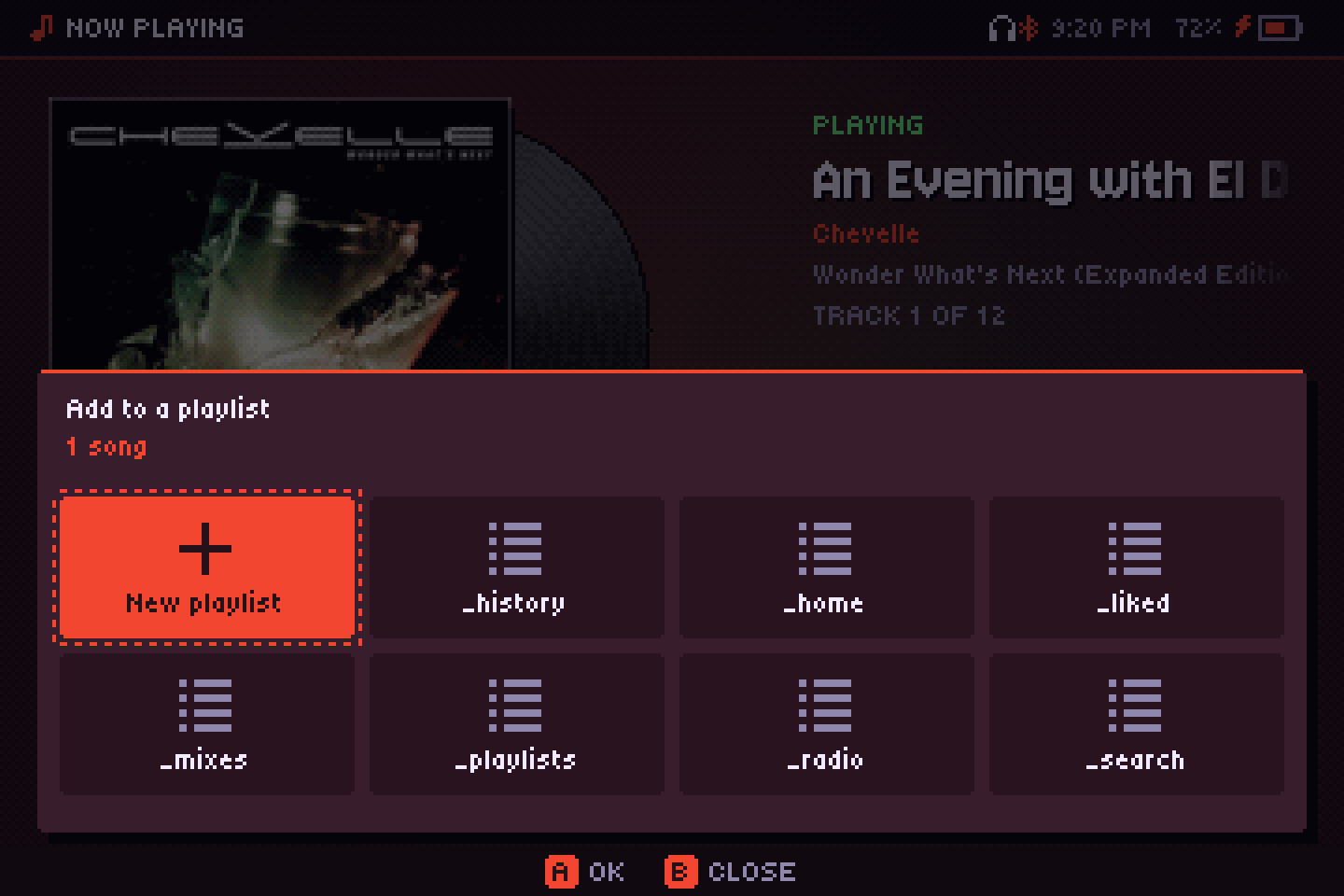
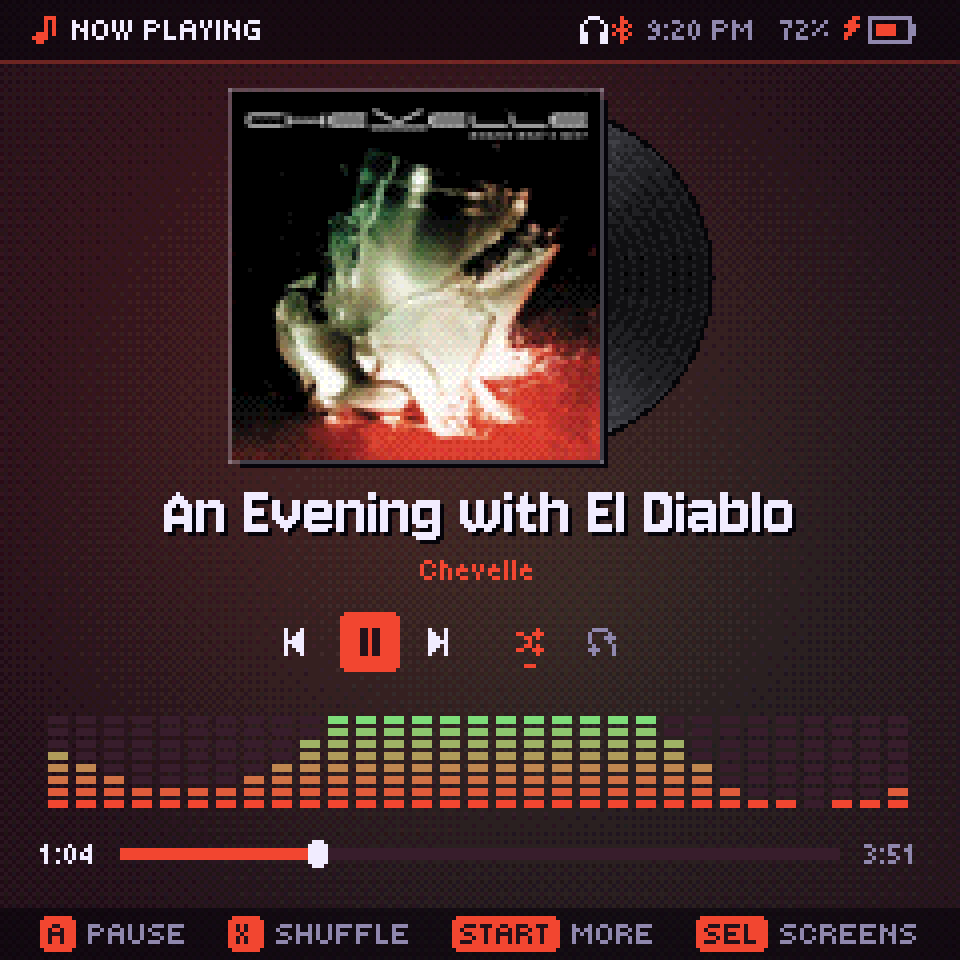
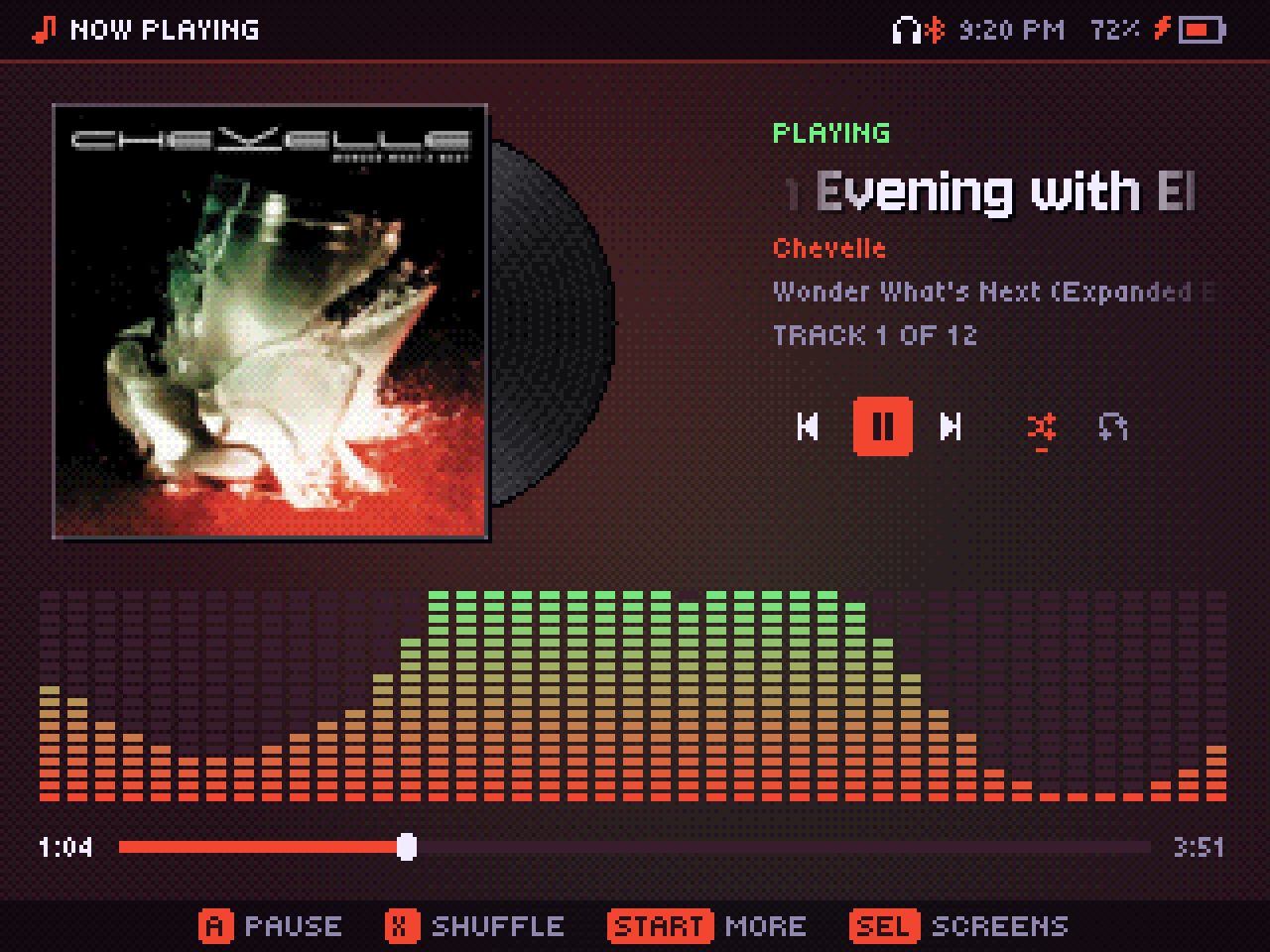
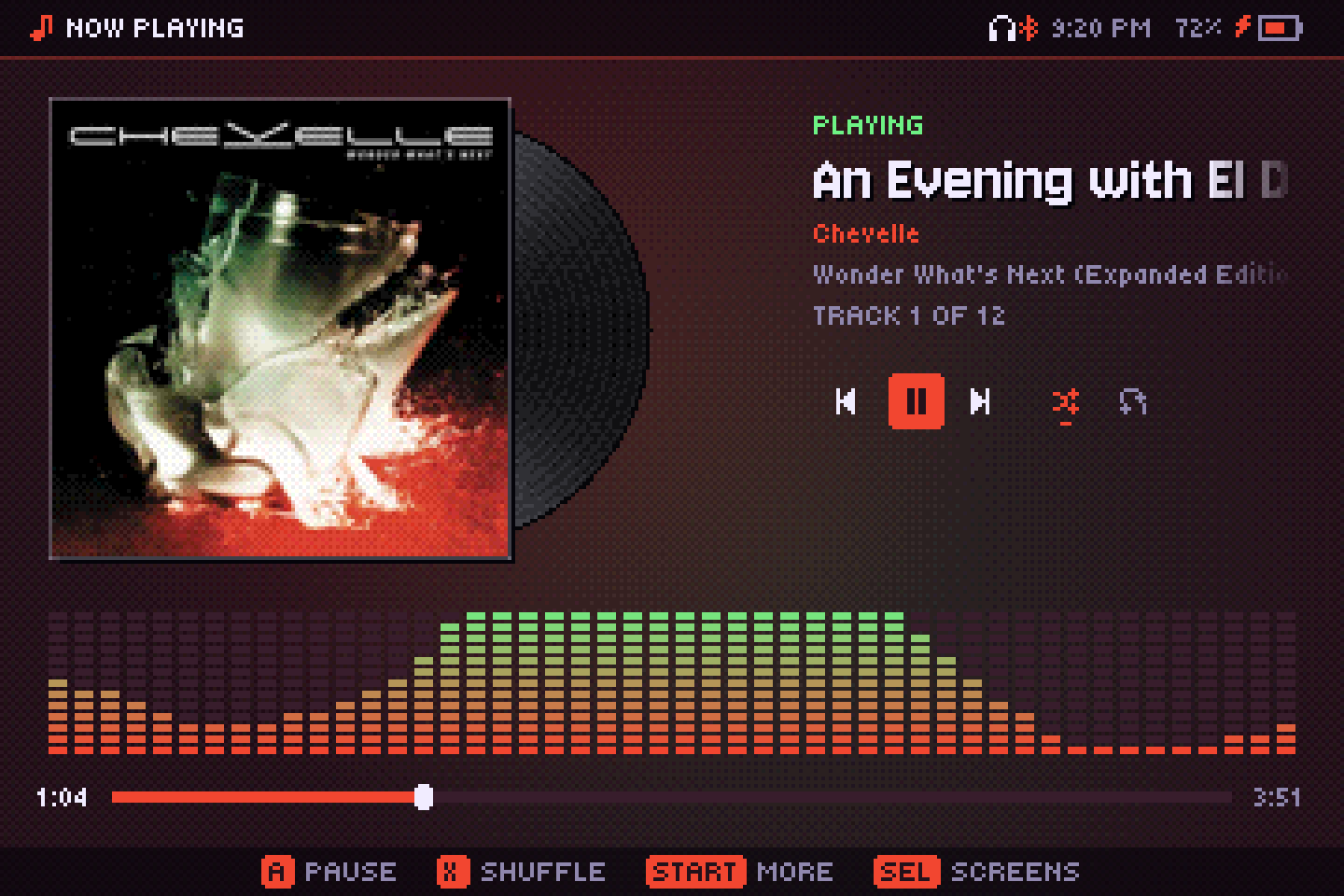
From square to ultrawide
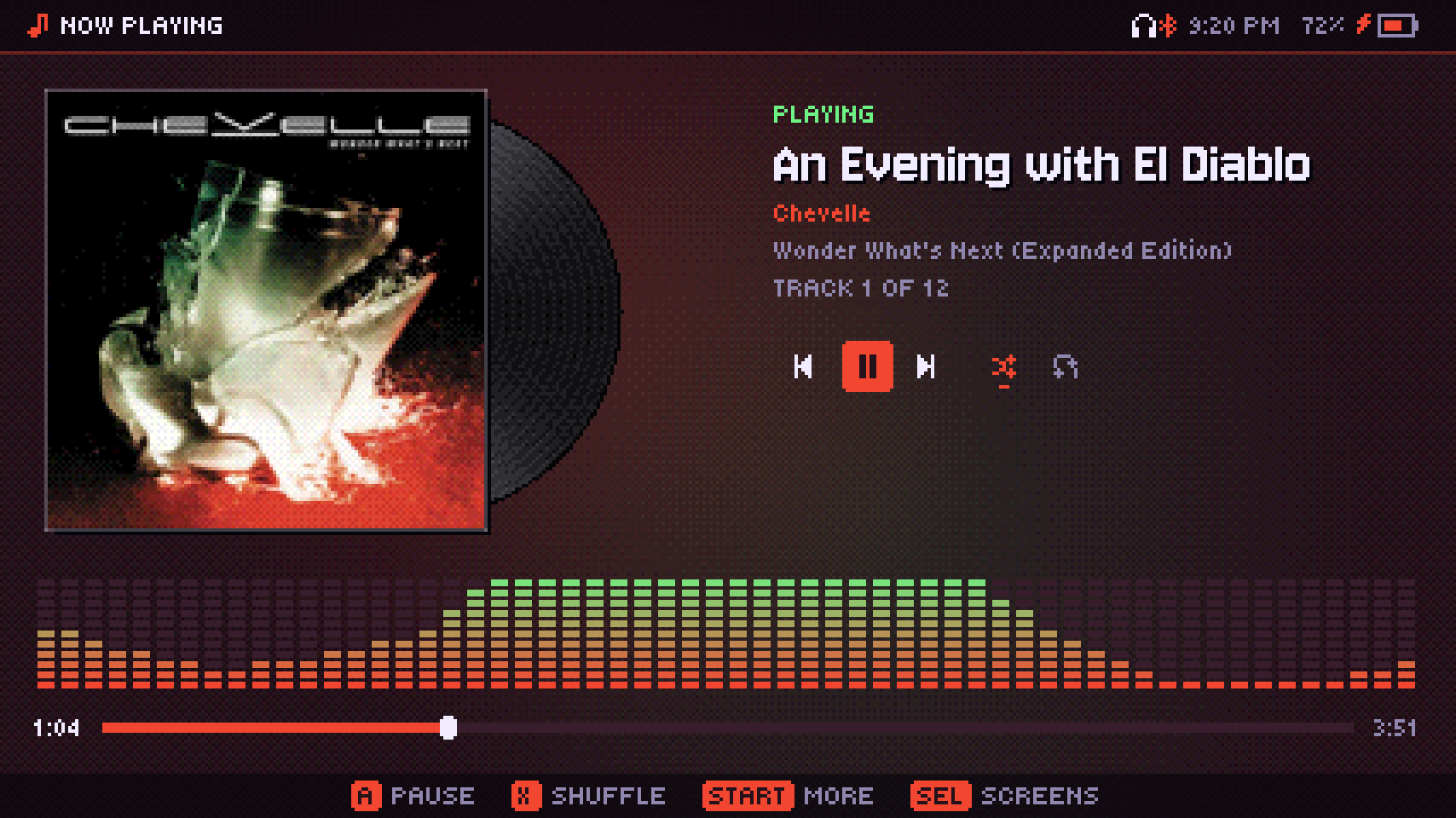
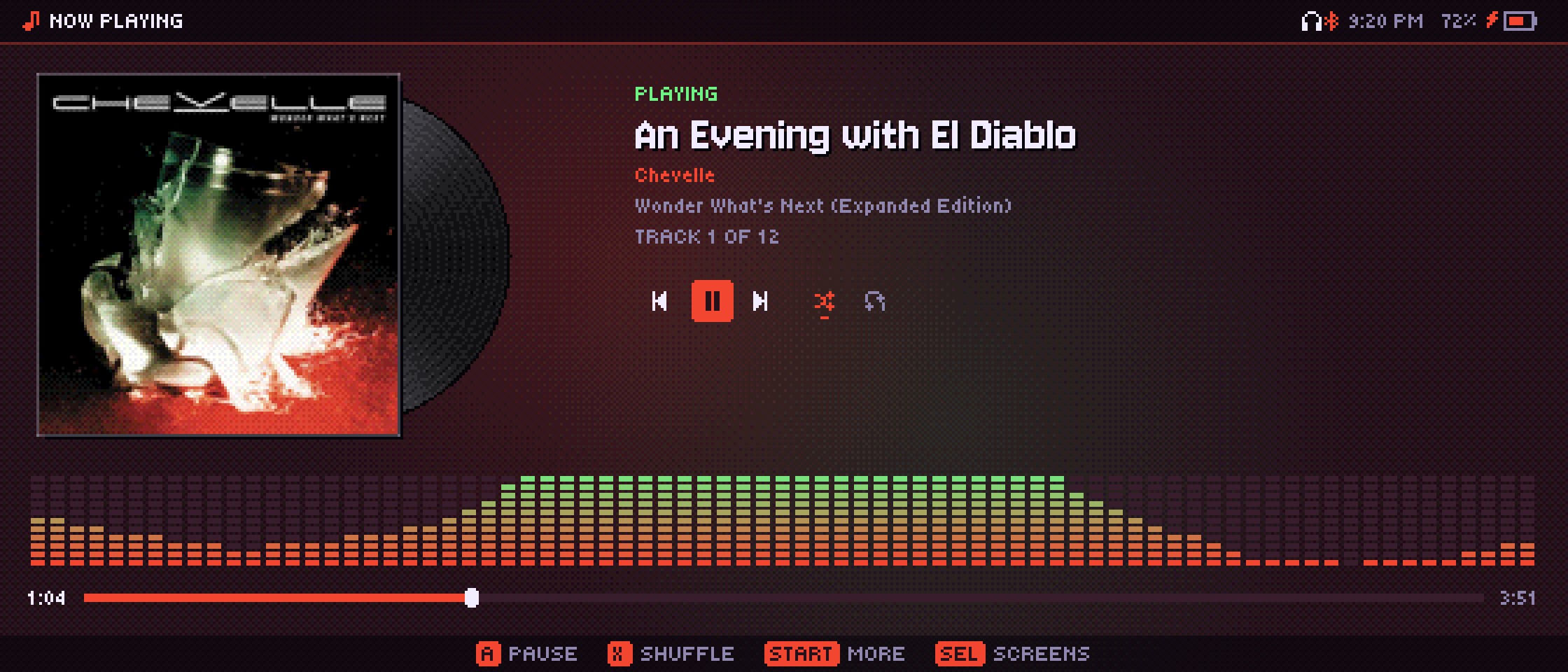
The layout adapts to the screen's real width instead of picking from a few fixed shapes, so it fills a 1:1 RGB30, a 3:2 clamshell and a 21:9 monitor.
Through PortMaster
- Open PortMaster on your handheld, find Audiofilus in the list and install it (its page).
- Or download audiofilus-portmaster.zip from the latest release and unzip it into your ports folder.
- Open Audiofilus from Ports and pick your music folder.
- Optional: put a yt-dlp binary in the app's yt-dlp/ folder to enable YouTube Music.
On muOS you can skip PortMaster: copy audiofilus.muxapp to the ARCHIVE folder of your SD card and install it from the Archive Manager; it shows up under Applications.
On a Linux or Windows PC, see Desktop.
Each system is detected at startup. Lid, power button, battery saver and volume use that system's own tools; on a desktop all of that is skipped.
One command
Written in Go without cgo for the handhelds. Codec libraries are loaded at runtime when the system has them.
# with Docker, nothing else to install
git clone https://github.com/juanvillacortac/audiofilus
cd audiofilus
docker build --target dist --output dist .

# or with Go installed
./build.sh
Both leave the desktop and arm64 binaries plus the PortMaster zip in dist/.
At home on your PC
The same player runs on Linux and Windows, one small binary. On Linux it fits in like a native app on GNOME, KDE, Hyprland and Omarchy.
In your app launcher
Audiofilus shows up with its icon, and right-clicking it offers play/pause, next and previous. Window rules and docks recognize its window. Files and folders open with it from your file manager, on Linux and Windows.
Media keys and your bar
It speaks MPRIS, so your keyboard's media keys, headphones and the desktop's media widget control it, with the cover and the song title. On Omarchy that works with nothing to set up.
Still plays in the background
Close the window and the music keeps going (a setting, on by default on the desktop); open it again and it picks up where it is, no splash. Quit stops everything.
In your system tray
The Audiofilus CD sits in the tray, on Linux and Windows: click it to open the player, middle-click to pause, or open its menu for what's playing, play/pause, next, previous, shuffle and quit.
Any window shape
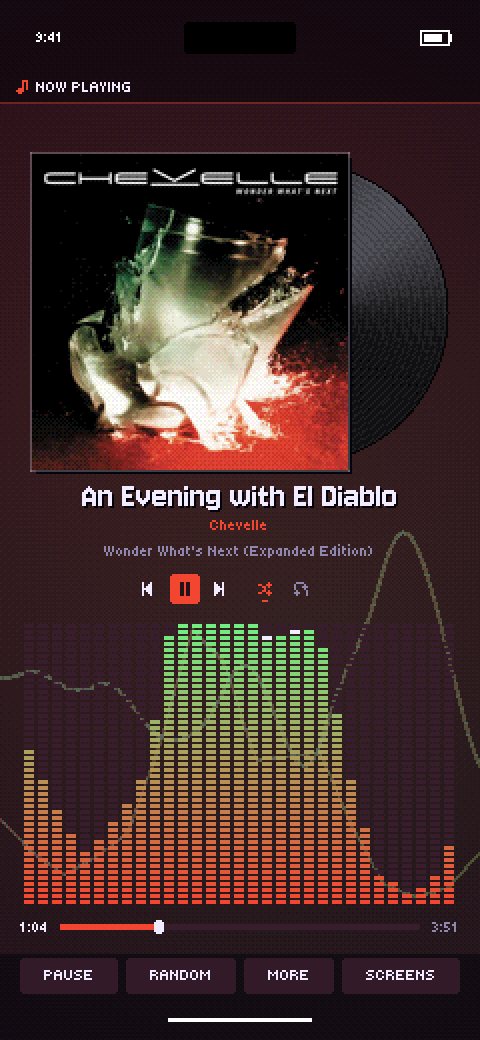
Stretch it wide or make it tall and narrow: in portrait it switches to a phone-style player with a big cover, still in crisp pixels.
One line to install
curl -fsSL https://juanvillacortac.github.io/audiofilus/install.sh | sh
- Downloads the latest release for x86_64 or aarch64 into ~/.local/share/audiofilus.
- Links audiofilus into ~/.local/bin.
- Adds Audiofilus to your app launcher. Run it again any time to update; your settings stay.
Or set it up by hand
- Download audiofilus-linux-amd64.tar.gz (or -arm64) from the latest release and unpack it anywhere.
- In that folder, run
./audiofilus desktop install. It adds the launcher entry and the icon to ~/.local/share. - Open Audiofilus from your app launcher. If you move the folder, run step 2 again.
Uninstall: audiofilus quit; audiofilus desktop uninstall; rm -rf ~/.local/share/audiofilus ~/.local/bin/audiofilus*
Windows 10 or later: download audiofilus-windows-amd64.zip, unzip it anywhere and run audiofilus.exe.
In your pocket, for real
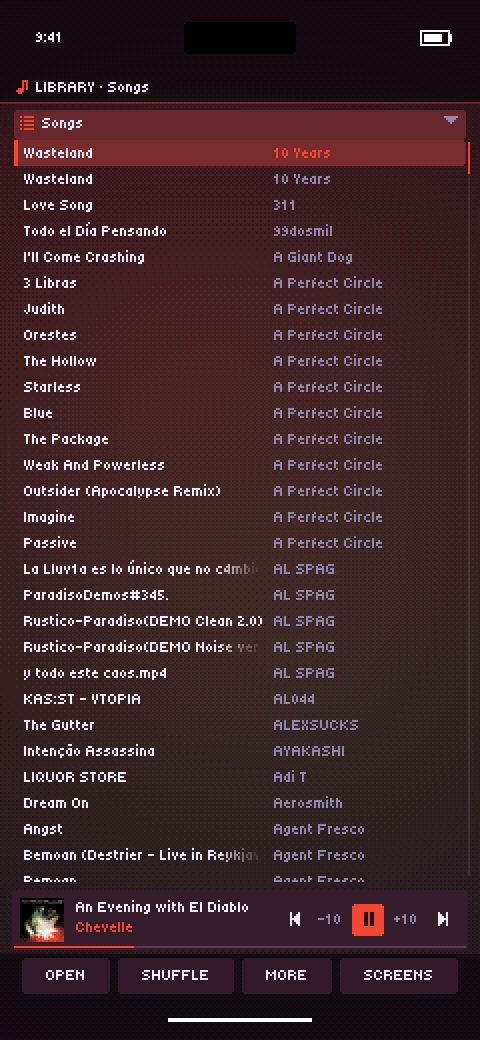
The same pixel player on iOS, made for your fingers: everything is tappable, lists scroll under your thumb with momentum, and the music keeps playing with the screen locked.
Touch first
Tap rows, covers, tabs and buttons; drag lists with your thumb; the button bar has real buttons, and the games have touch controls of their own. In portrait, tabs open from a button.
Lock screen and Control Center
The cover, the song and the controls on the lock screen, in Control Center, on your headphones and in CarPlay. AAC from iTunes and AAC radio play through Apple's own decoder.
Your music, your way
Copy songs into On My iPhone → Audiofilus in the Files app, pick any folder from iCloud Drive, or skip local music and stream from Subsonic, Navidrome or Jellyfin, radio, podcasts and YouTube Music. Songs also open in Audiofilus from Files and other apps.
An unsigned audiofilus-ios-unsigned.ipa comes with every release: install it with Sideloadly or AltStore, which sign it with your own Apple ID. Or add the source https://juanvillacortac.github.io/audiofilus/altstore.json to AltStore, SideStore or LiveContainer: new releases show up there as updates.
Beyond handhelds
The same player on every screen you have.
Desktop
Linux and Windows, with launcher, tray, media keys, mouse and touch, and crisp pixel scaling at any window shape. Next: layouts made for big windows.
iOS
iPhone and iPad as an unsigned app: touch-first interface, background playback, lock screen and Control Center. Next: a signed build.
Android
The same mobile app on Android, with background playback through the system's media session.